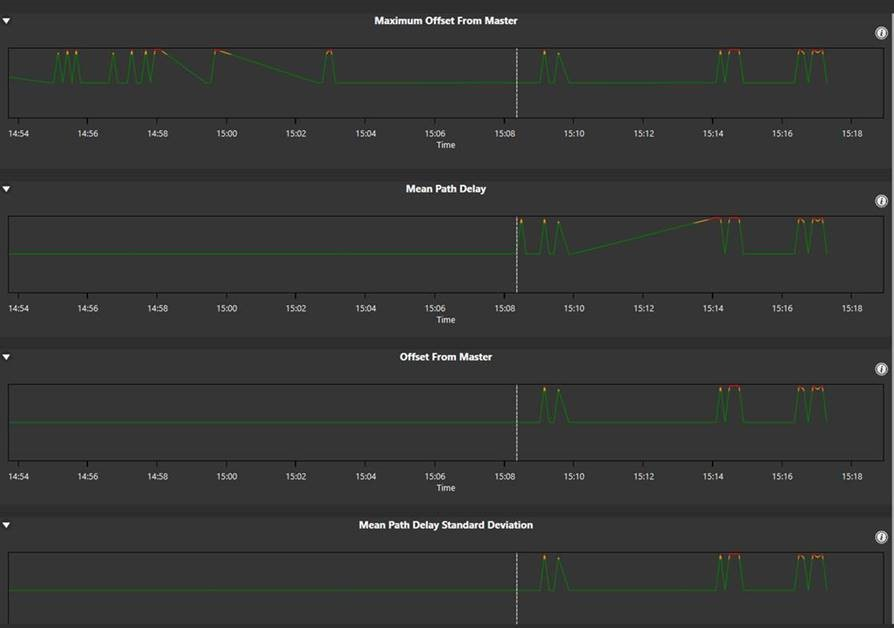
PTP Diagnostics
If a matrix has an AoIP enabled device connected to it, such as an IP antenna or a V-Series IrisX panel, you can use the PTP network screen to inspect AoIP statistics and help to solve network-related problems. To use the PTP network screen:
-
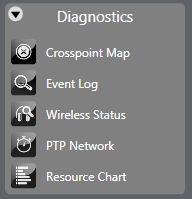
Open the Diagnostics menu and select PTP Network.
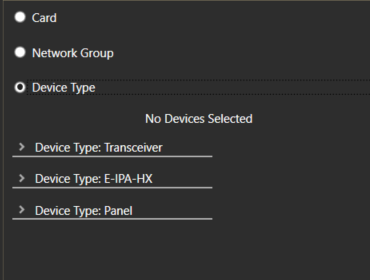
In the left-hand side of the PTP network screen, drop-down lists of devices are shown. You can display these devices as follows:
-
Card – this displays all the devices connected to each E-IPA-HX card.
-
Network Group – this displays all the devices for each Network Group. For more information about Network Groups, see Network Groups.
-
Device Type – this displays all the devices according to device type, for example transceiver, E-IPA-HX card or Panel.
-
Use the radio buttons to toggle between the different display modes.
-
Select one or more devices, and view the PTP diagnostic data on the right-hand side of the screen. An example screen is shown below: